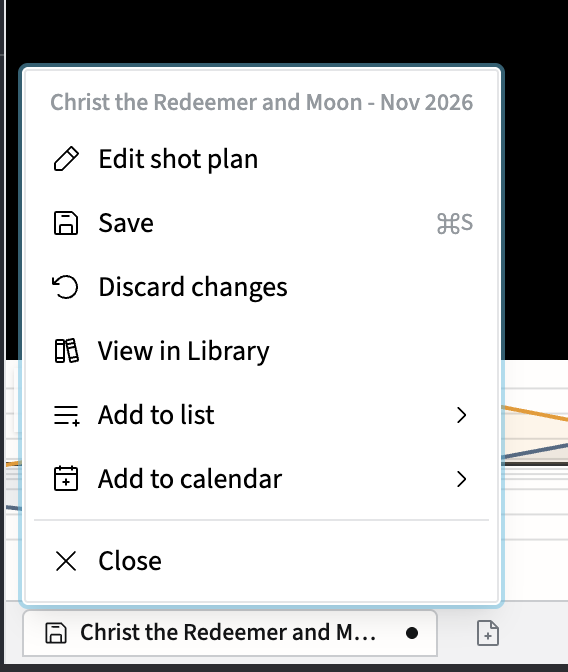
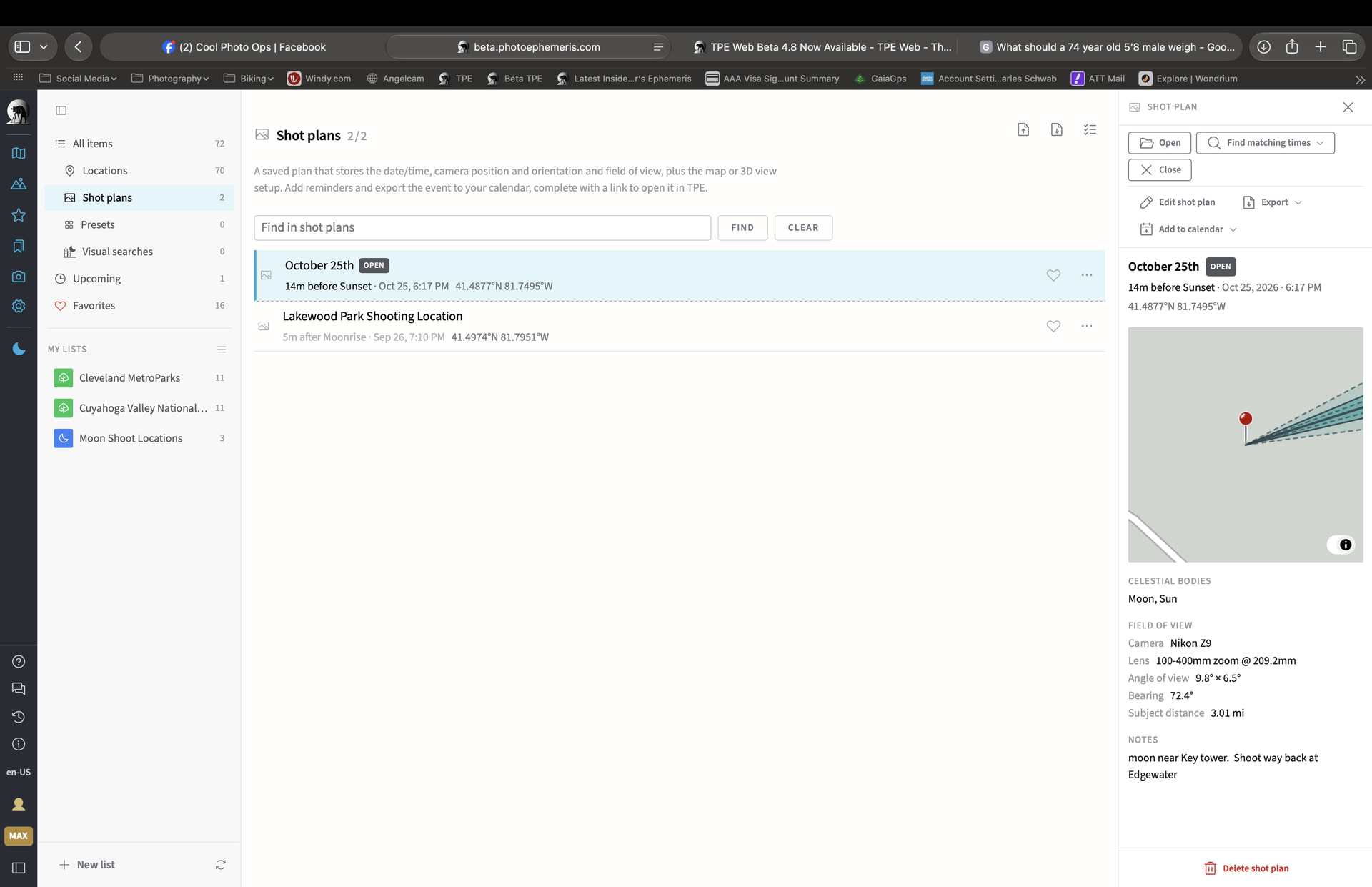
when I go to shot plans all of a sudden I’m getting extra open buttons, when I click on them they don’t open anything, Even the open button at the top right doesn’t open the plan. Sometimes I’ll also get an Open - unsaved button I click on hit and in the Popup click SAVE go back to Shot plans and have the extra Open buttons but no matter what open button I click on nothing happens. I’m using an MacBook Pro M5 Pro with the latest software
Hi Ron,
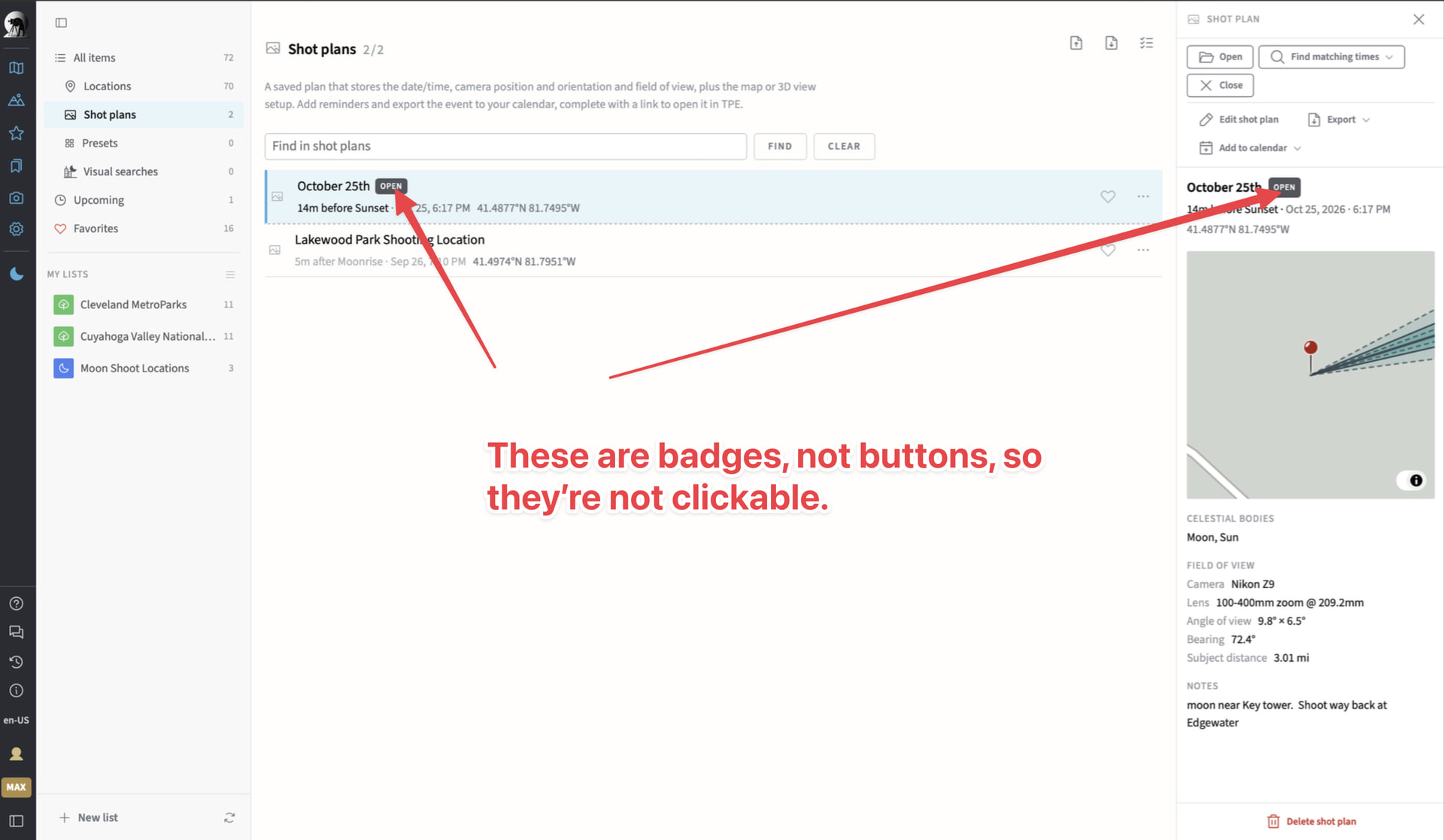
I’m guessing you may be clicking on the two “Open” elements shown below? They’re not buttons, they’re badges that indicate that the plan in question is currently already open.
However, the actual Open button (top right) should not leave you stuck on the same page – i’ve confirmed that’s a bug. Working on a fix now…
Thanks for the report!
Stephen
Hi Ron – if you refresh the page, it should be fixed now (i.e. clicking the top right Open button for the plan, even if it’s already open, should re-open it as expected).
1 Like
Thanks it’s working now, btw I found this issue by opening my shot plan, I was in 3D Photorealistic view and I used the arrow keys to tweak the Red Pin position, then in the Shot Plans I noticed the Badge that said Open-Unsaved, I didn’t want to save the new pin location and then found I couldn’t use the top open button to open the Shot Plan. BTW when using the arrow keys to move the Red Pin Position is there a quick way to reset it to the original position if the new positions aren’t what you want? I know at the bottom of the right side panel you have a Map Box showing the pin moving but sometimes I not sure if I moved it back to the original position. That’s what I was playing around with when I discovered the top Open button didn’t open the plan, I wanted to open the plan that had my original position saved