I only see a black outline of the topo in 3D. I was sure I used to be able to see details…so you could pick out a mountain ridge. It doesn’t seem to matter what time or map I have selected….Thanks in advance for any help you can give.
Hi Steve - see below for details - drop us an email or post a screenshot if you’re still having trouble.
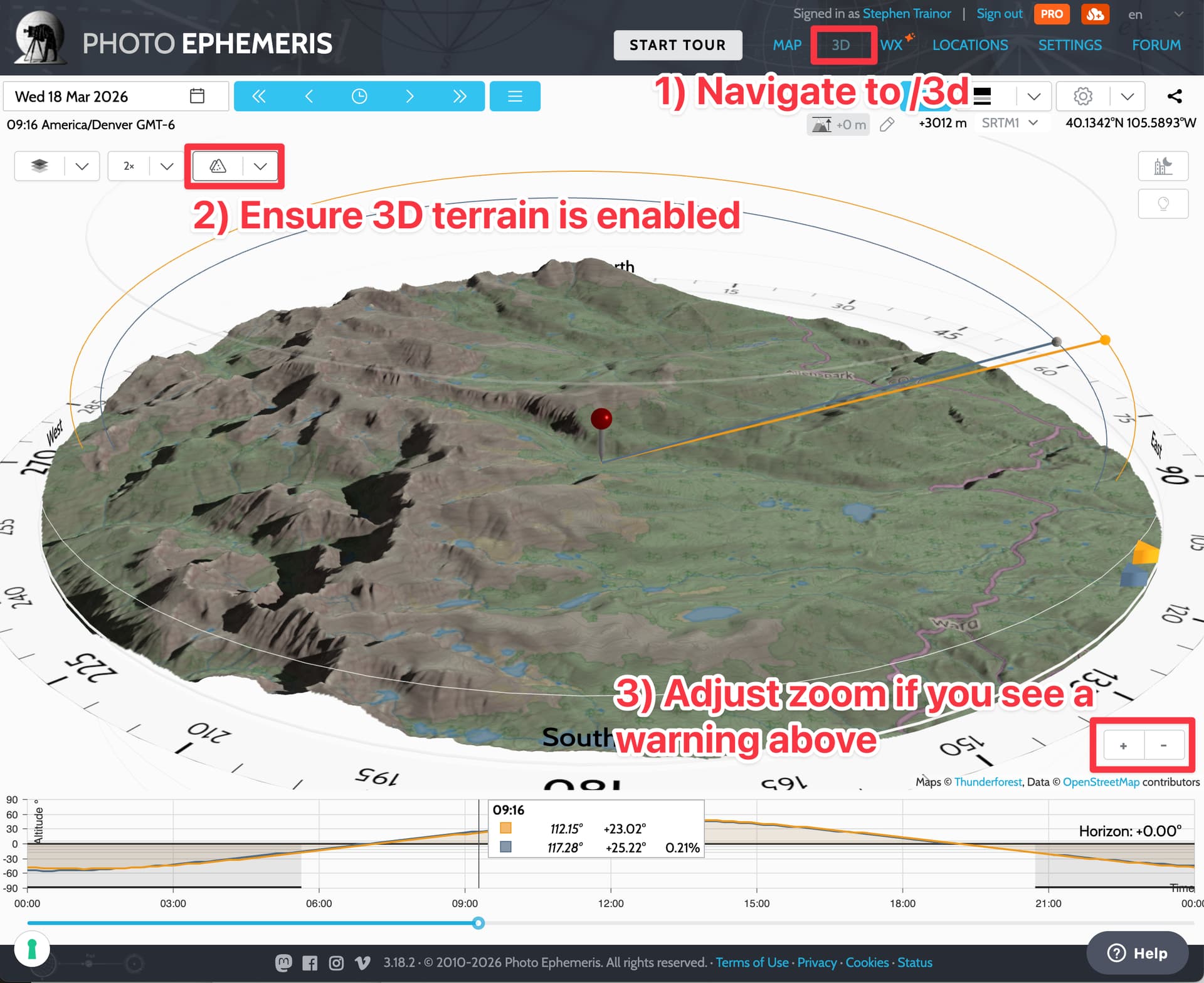
Stephen
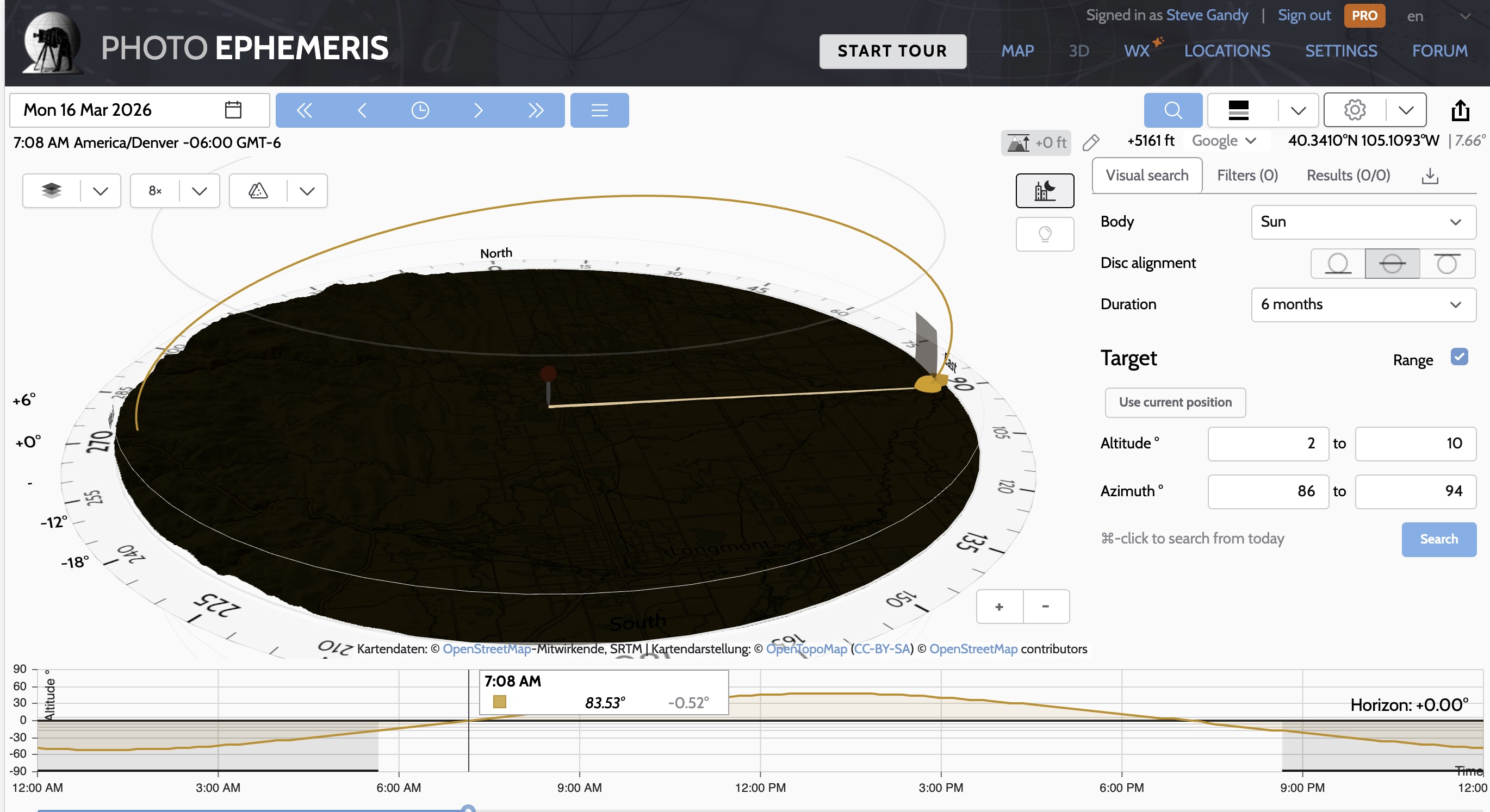
Try clicking the “light switch” button towards the top right of the 3D area, or change the time of day to when the Sun is up.
The whole thing probably needs more ambient light by default, to be honest - it’s not super helpful when it’s pitch black. I’m doing some work on this at the moment so I’ll have an update soon.