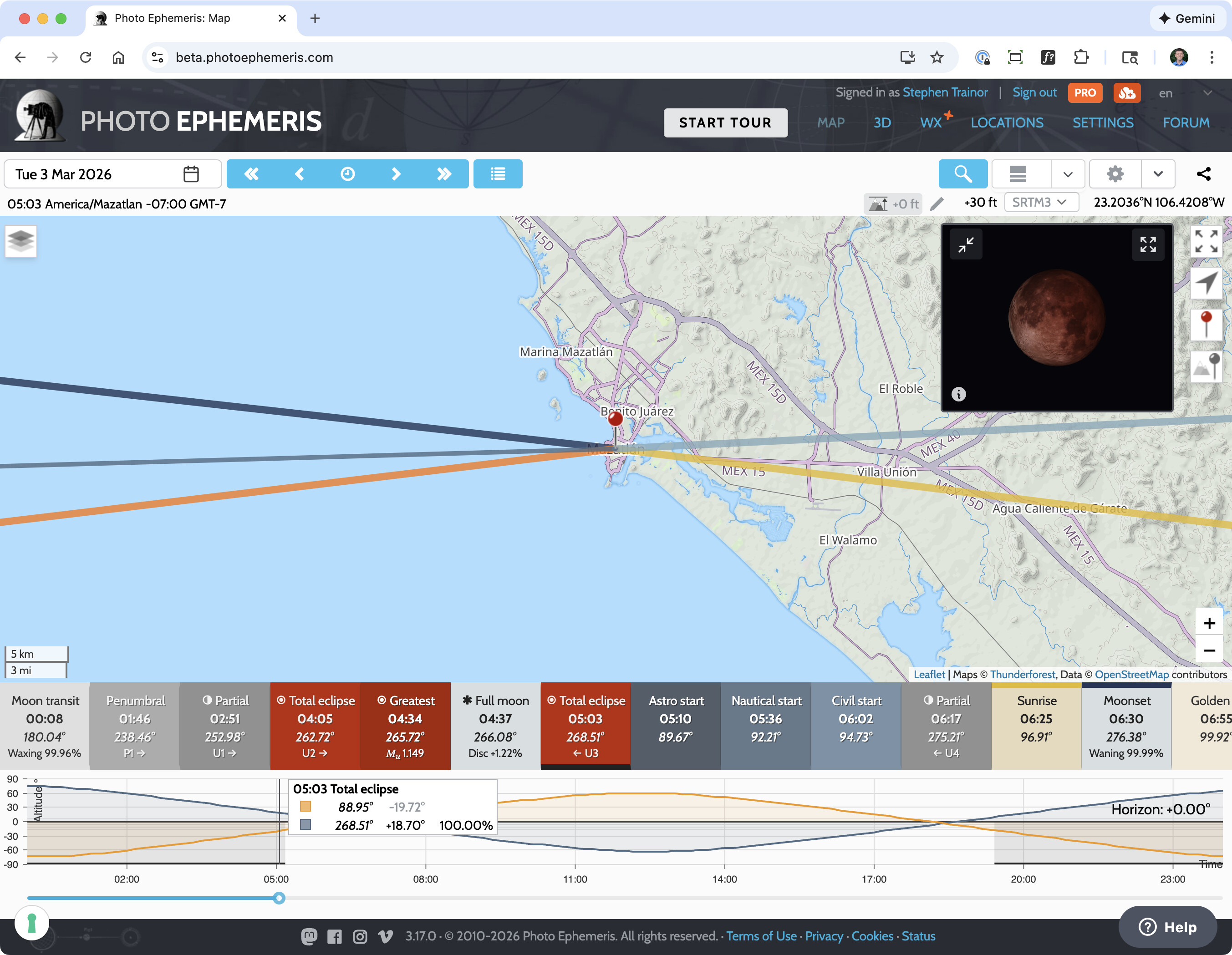
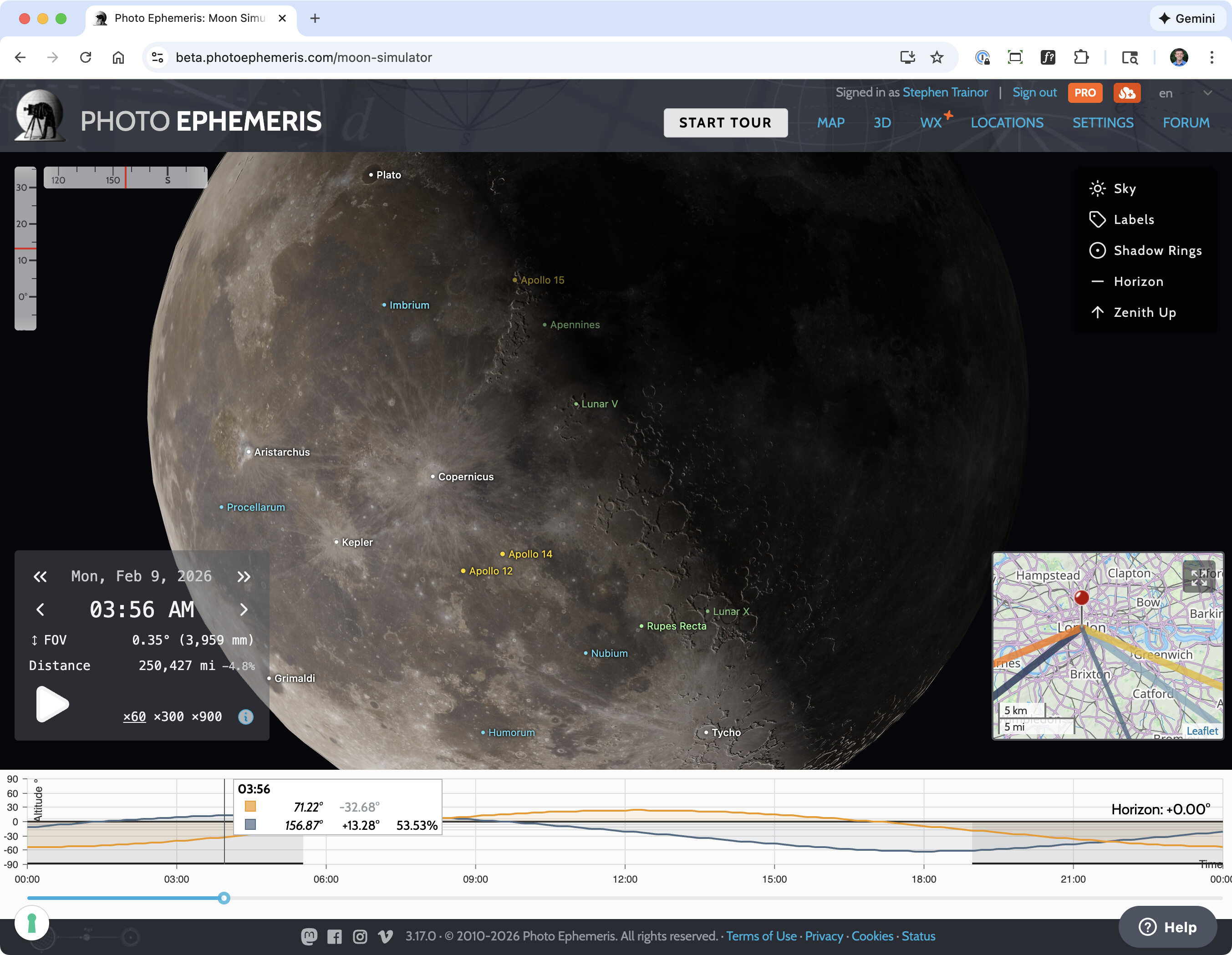
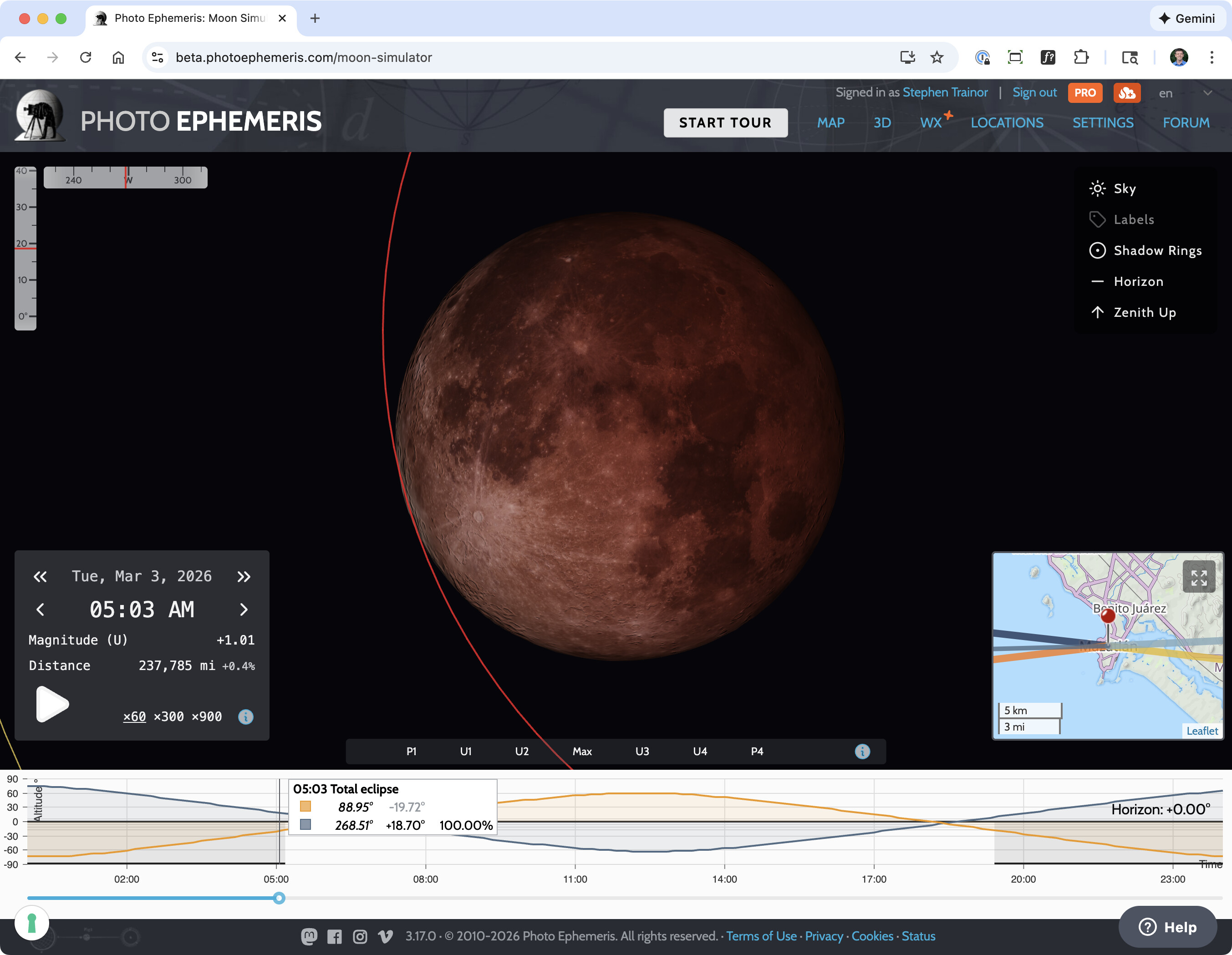
Our new moon simulator is available in TPE Web 3.17 (up now on the beta site).
It’s super easy to access: go to a time when the Moon is up, and you’'ll see it on the map top right - click the expand button to enjoy in all its full screen glory!
When I first tried it out, it looked pretty cool and I used it to explore some additional nuances of the shoot I have planned for the coming eclipse. But when I went back to use it today, it is grayed out and insists that I enable “Experience Enhancement” cookies. In this day and age that sounds like a euphemism for something I don’t want. Could you explain what is it about my experience that now needs to be enhanced?
Hi Dave - that’s unrelated to the moon simulator, to the best of my knowledge (if I’m mistaken, please send a screenshot).
It’s only shown if you are using Google Maps and have not accepted the so-called “Experience Enhancement” cookie type (that’s the terminology that iubenda.com, our “cookie banner” vendor uses to denote optional cookies that are tied to specific site functionality).
As you might imagine, Google sets some additional cookies. You don’t need to accept them to use the site, but, legally, I can’t load Google Maps without asking for your consent.
I imagine that either your browser has cleared cookies, or it’s a new browser, new computer, etc. and that during the cookie banner presentation, you declined them. (BTW, this cookie technology is nothing new - it’s the same one I’ve been using for five years or so now.)
So in short, if you want to use Google Maps, you need to enable the so-called “Experience Enhancement” cookie type to allow them to load.
The message appeared as a dialog box in the middle of the screen, with the rest of the window dimmed out, and the only thing that would accept input was the “accept cookies” dialog at the bottom. I can’t send a screenshot because I went ahead and accepted it, since I had something I needed to do. But I can tell you that it was only appearing on the tab I already had open for the beta with the lunar eclipse feature. I had previously used that without needing to accept any new cookies. I think I may have rebooted the computer since my last use, so it may have appeared after that tab reloaded. The browser hasn’t changed, and it was the same tab as used previously. This is a Windows 10 system, so it has not been updated since October, and I had not cleared cookies recently.
Since all of the instances of TPE used the same cookies and saved data, I would expect that this would have appeared on the non-beta TPE tabs I already had open, but I am pretty sure that the other instances did not have this cookie messaged. I have been using Google Maps since day 1.
But if “experience enhancement” had been in effect before then I won’t worry about why it suddenly needed to be reenabled.
Glad all’s well - I did comb through the source code this morning to confirm that this message is only associated with Google Maps.
Cookie consents are themselves stored as cookies or in browser local storage, so I would guess one or the other simply expired or was cleared (which some browsers do after a specific elapsed time or on shutdown).
If only people didn’t do such nefarious things with privacy and tracking trickery, our lives would be simpler!