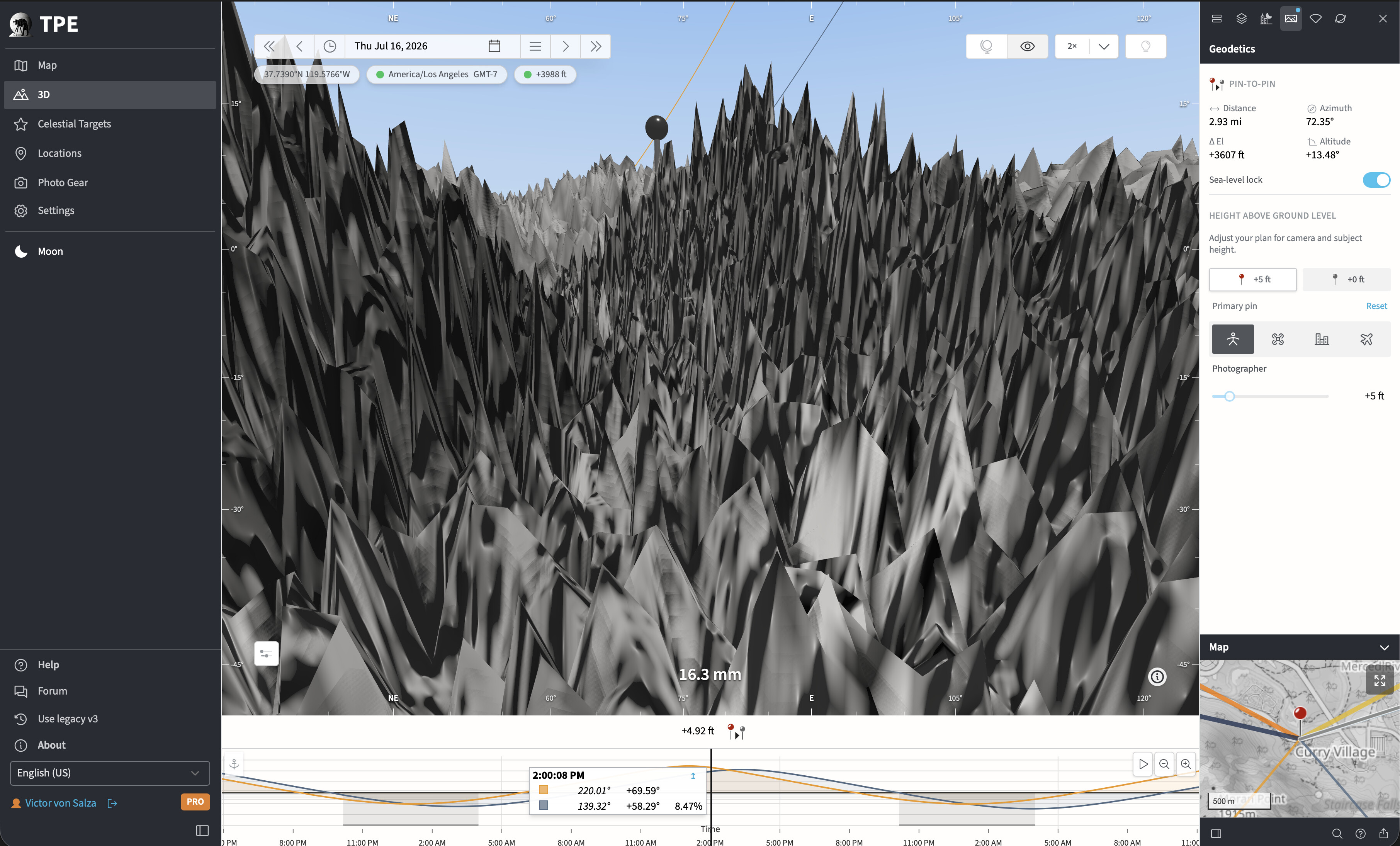
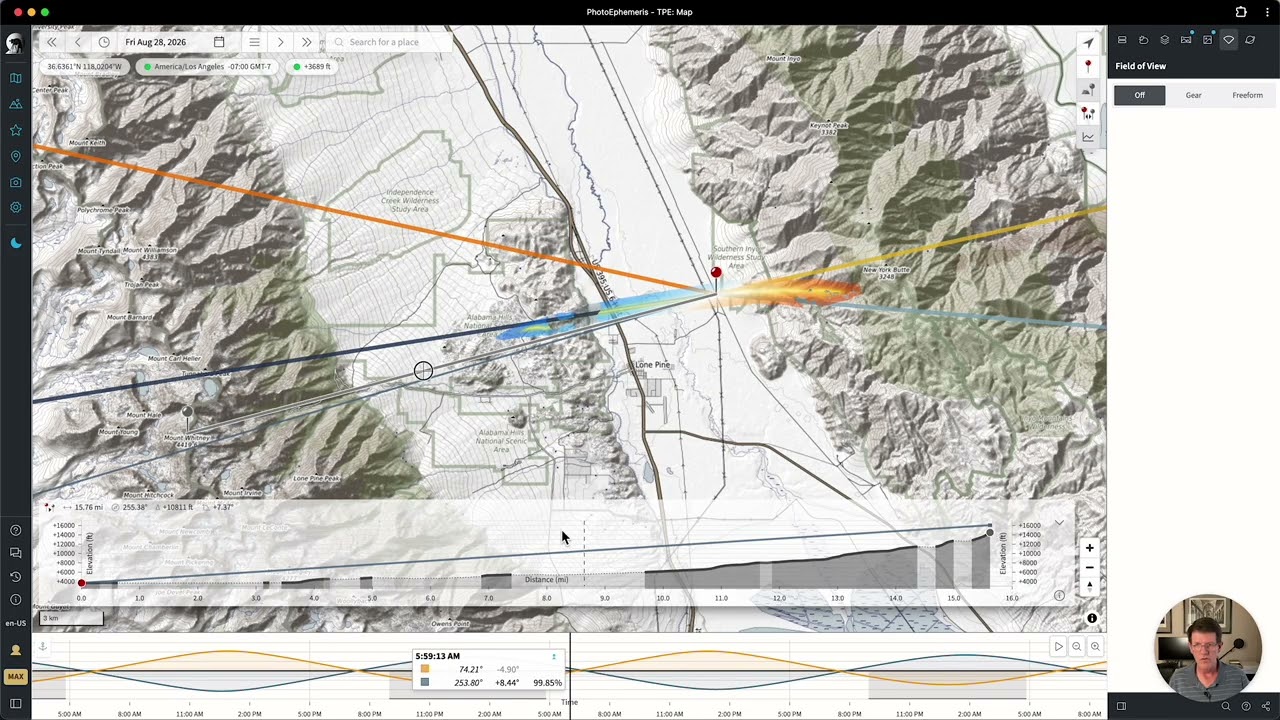
I’ve extended the free preview of MAX features to existing PRO subscribers through Sunday, July 19. If you haven’t checked them out yet or would like to learn a little more about them, I made a video walkthrough of the main headlines.
It covers some very practical use cases and shows just efficiently you can plan using TPE Web with MAX
If you’re interested in upgrading, just click through to your subscription page and choose Change Plan – you’ll get full pro rata credit for any remaining time on your current plan.
Let me know if you have any questions – happy to try to answer, as always!
Stephen